
The collection grid block for Slidey bar is a great way to show off your catalogue to your customers
To make it as flexible as possible for number of items shown and to address the Shopify settings limit on app blocks - Collections are added by using a navigation menu.
The images displayed are also from the collections themselves.
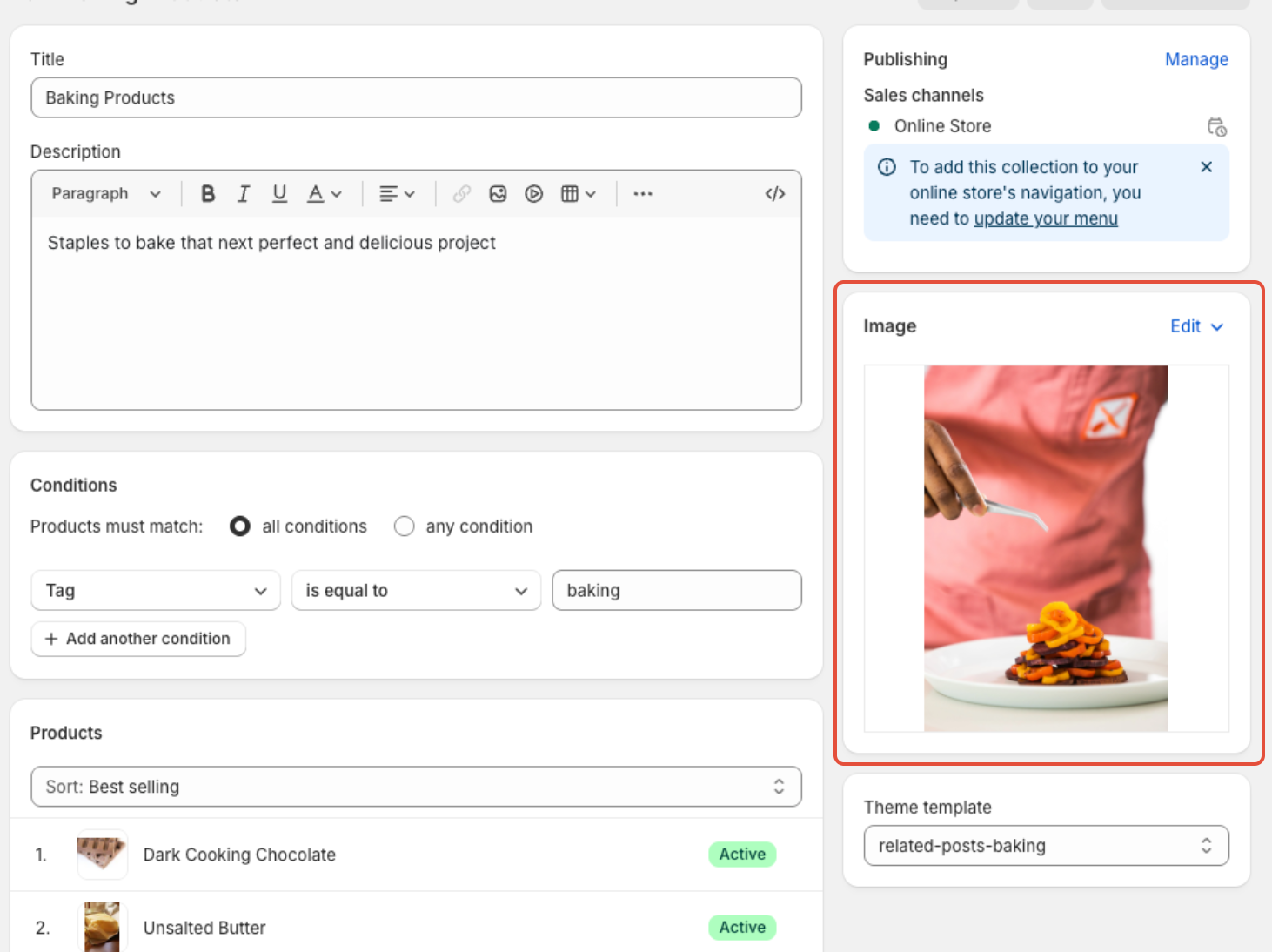
So firstly - edit the collections you want to display and make sure they have a high quality featured image
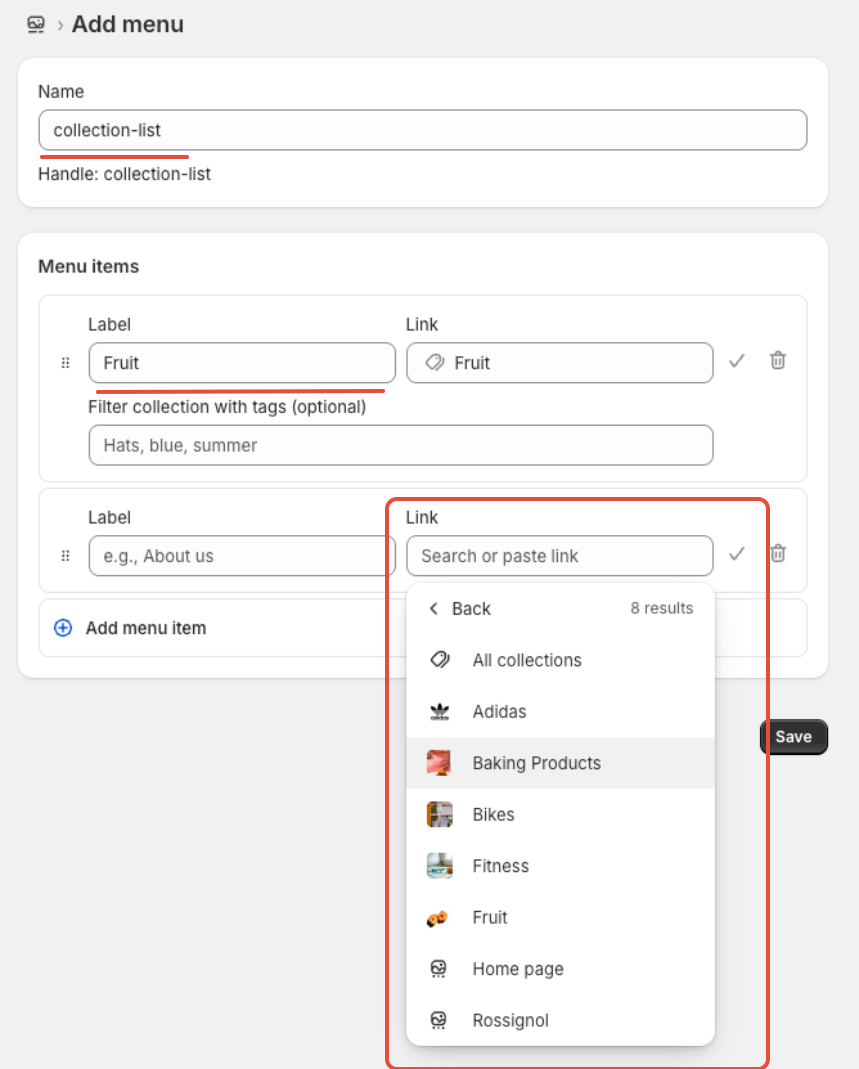
Then create a menu - give it any name you want and add the collections you want to display in the grid.
Note: The label will be what is displayed in the grid
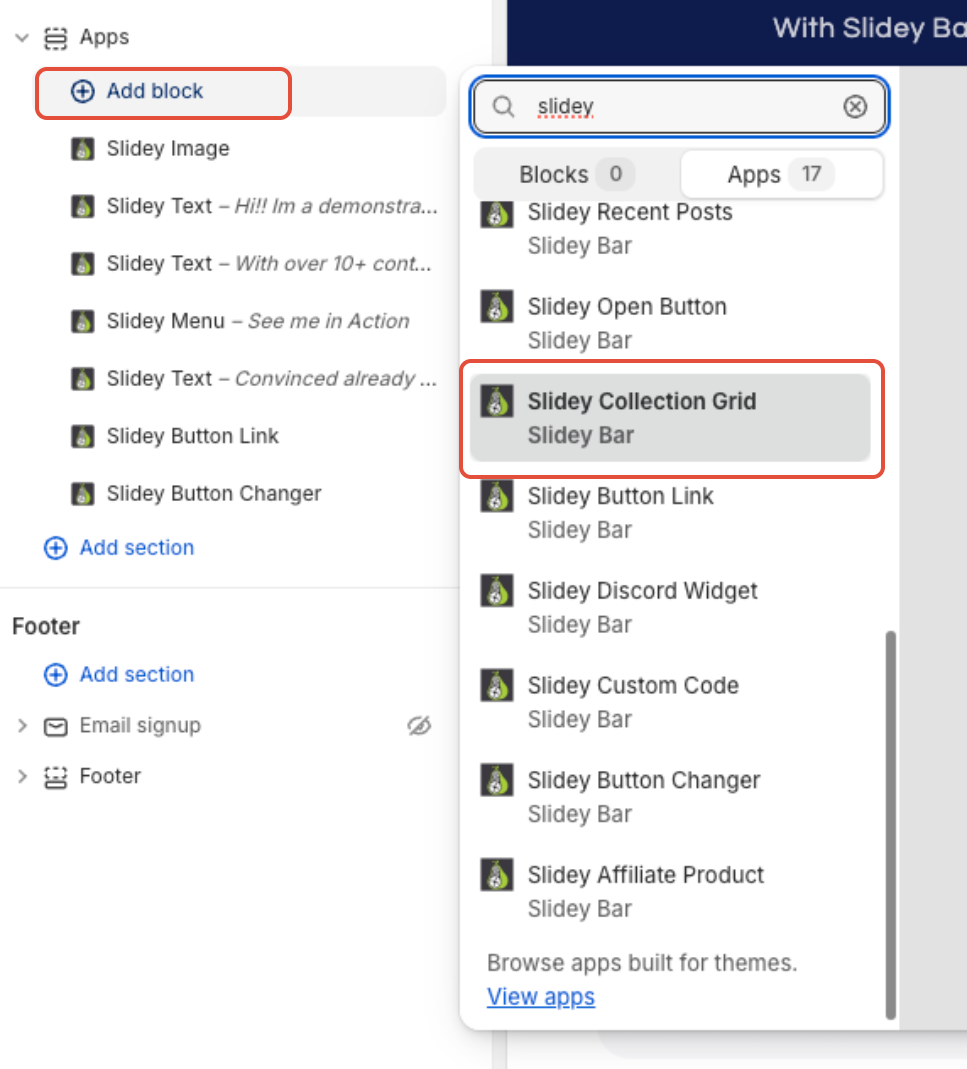
Then add the Slidey Collection Grid to your theme
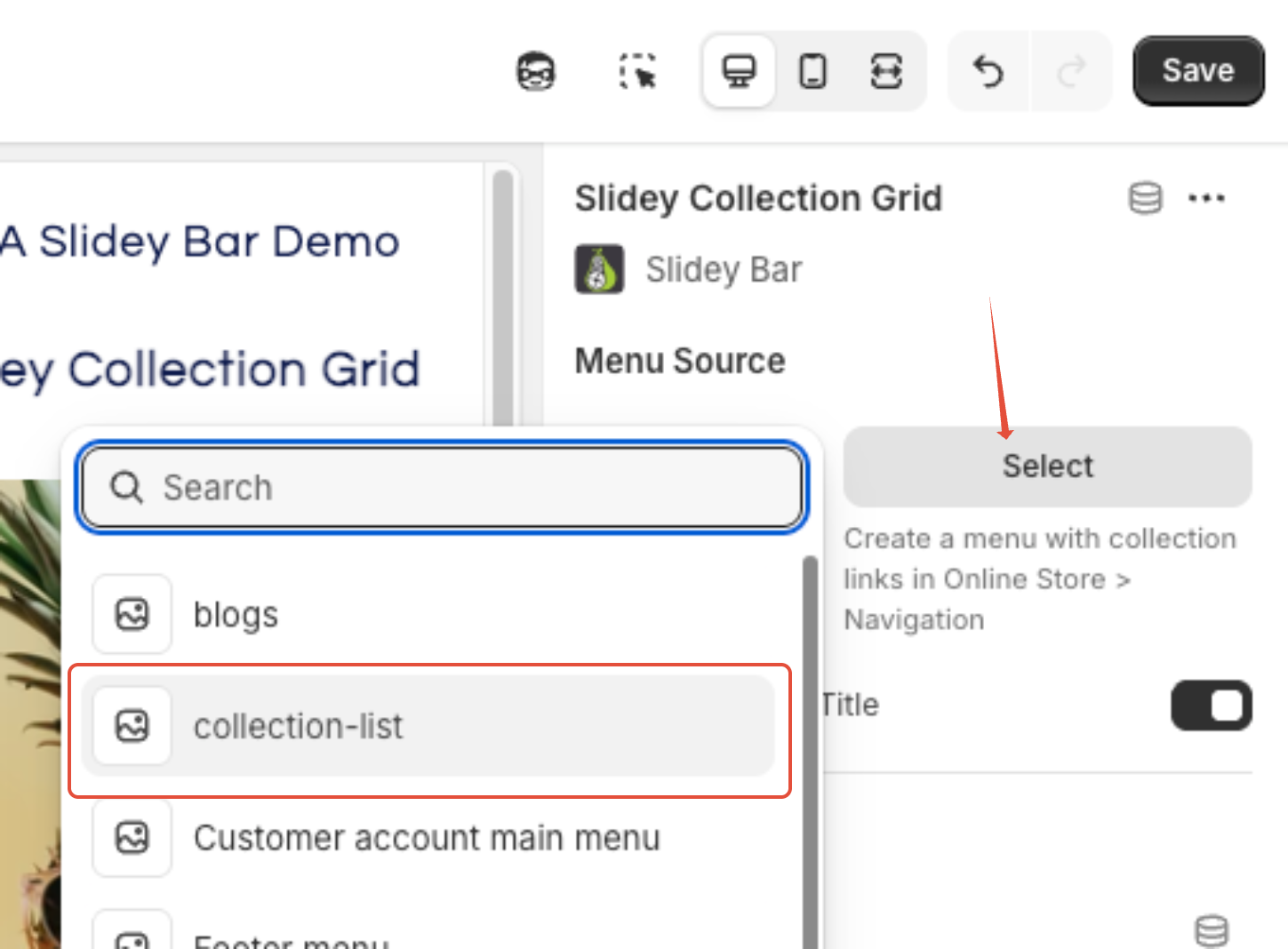
Choose the Menu you just setup as the Menu Source
Click save - and you have your collection Grid! Simply adjust how many items you wish to display in desktop and mobile view to customise.
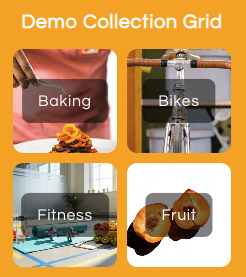
To add more collections or adjust the order - simply update the Menu created within the first few steps